Terminal Hero Section
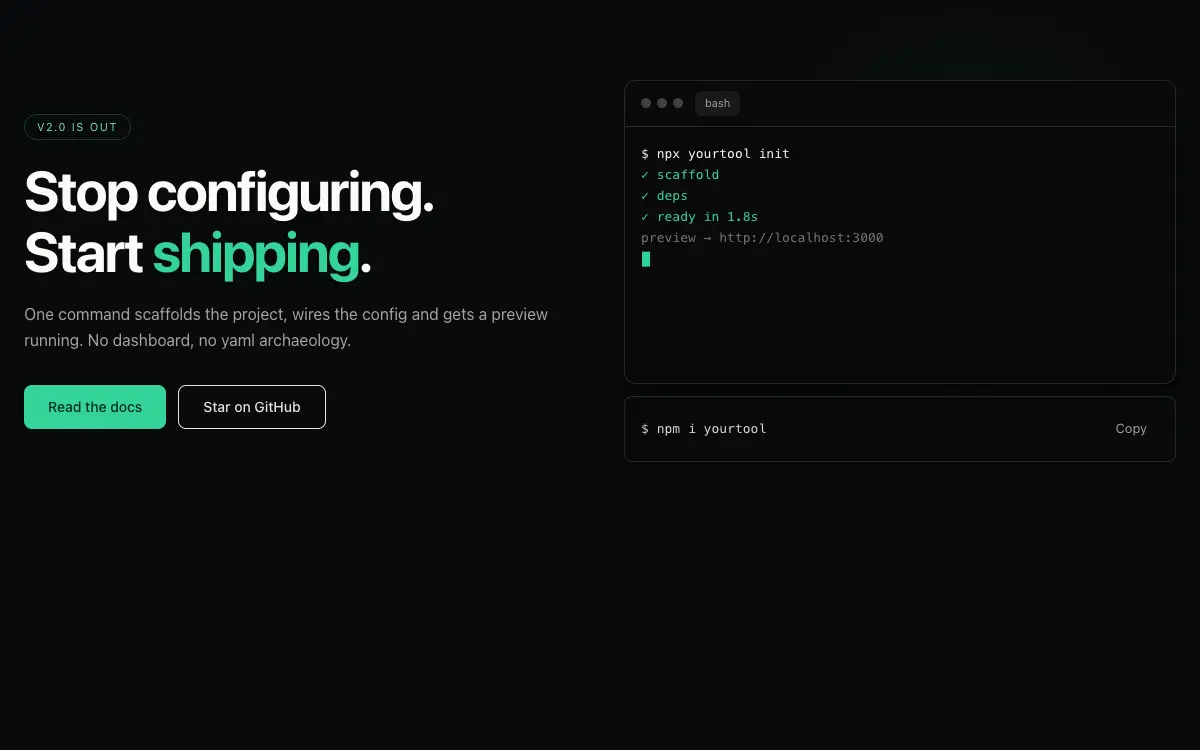
Developer-hero section: typed terminal demo with traffic-light chrome, blinking caret and a copy-install CTA.
Промпт
# Terminal Hero Section — Landing Page Section

## Goal
Build a hero section for a developer tool: headline left, a fake terminal that types out a realistic install/run sequence right, with copy-install shortcut. It must drop cleanly into an existing Next.js + Tailwind project as a self-contained component.

## Design Spec
- Layout: 2-col split — left: eyebrow chip, H1 (2 lines, one word accent-colored), sub, two CTAs (solid + ghost); right: the terminal.
- Terminal chrome: rounded-xl, zinc-950 bg, three traffic-light dots, a tab bar with one active tab, 1px zinc-800 border, layered soft shadow.
- Typed sequence: `npx yourtool init` → spinner → 3 status lines (✓ scaffold / ✓ deps / ✓ ready in 1.8s) → prompt returns; syntax-tinted output (commands zinc-100, success emerald-400, muted zinc-500).
- Under the terminal: a one-line `$ npm i yourtool` strip with its own copy button — this is the real CTA.
- Backdrop: subtle dot-grid masked radially, plus a faint green-glow blob behind the terminal top-right.

## Motion Spec
- Typing at 18-24 chars/sec with irregular 100-200ms pauses; output lines land in batches with 150ms gaps; caret blinks at 1s.
- The sequence replays only when scrolled out and back in — never loop-noisily while visible.
- Headline words reveal with 60ms stagger, translate-y only — sobriety over spectacle.
- Respect `prefers-reduced-motion` — provide a static fallback that still looks intentional.

## Component API
- `<TerminalHero script={{cmd: string, out?: {text, tone}[]}[]} installCmd headline cta={{primary, ghost}} />`
- Expose `reducedMotion` behavior automatically: render final state statically, caret static.

## Quality Bar
- TypeScript strict, zero `any`. Tailwind only — no external CSS files.
- Works on mobile: touch targets ≥ 44px, no hover-only affordances.
- 60fps: animate only `transform` and `opacity`; use `will-change` sparingly.
- Accessible: correct roles/aria, keyboard operable, focus-visible styles.
Вам также может понравиться
Kresna Footer
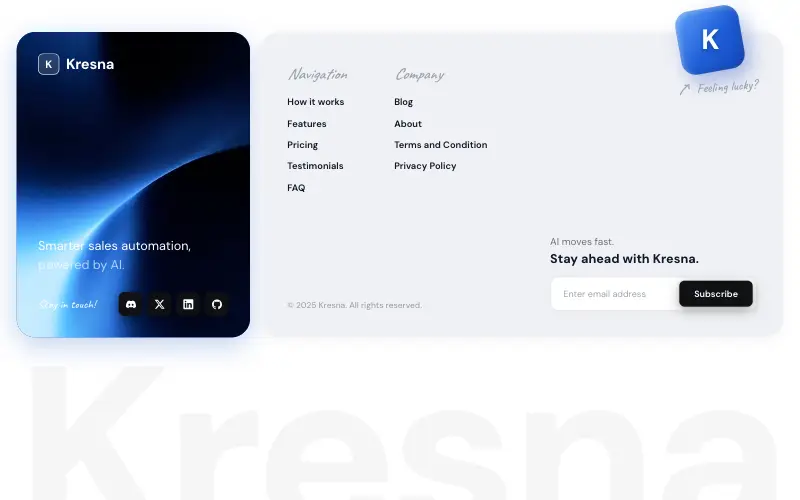
Two-card SaaS footer: a looping blue video card with logo, tagline and dark social tiles, a light link card with a tilted 'Feeling lucky?' cube breaking its top edge, and a faded wordmark fitted edge to edge.

Heritage Grove Footer
Full-viewport footer laid straight onto a hand-drawn ink landscape loop — five columns on the paper sky, and below 1100px the clip leaves the background and becomes a flow item under the copy.

Vectrus Energy
Scroll-tied cinematic section: a 500vh track scrubs an aerial clip frame by frame through a WebCodecs frame bank, with three sequential copy blocks.

Figurine Carousel Hero
Full-viewport figurine carousel where background colour, scale, blur and position all crossfade together on one 650ms curve.